
Download PaperScan – scanner, document, PDF, image, editing, enhancement, management, utility, tool, smartphone
Overview
PaperScan is a mobile utility designed to streamline the process of scanning, managing, and enhancing digital documents directly from a smartphone. The app serves as a comprehensive solution for users who need to convert physical papers into high-quality digital formats with minimal effort. By enabling direct control over scanners and camera inputs, PaperScan simplifies the digitization workflow, making it accessible even for non-technical users. Its primary purpose is to eliminate common frustrations associated with poor-quality scans, such as skewed images, blank pages, and inconsistent formatting.
Target users include students, professionals, remote workers, and small business owners who frequently handle paperwork. The app supports a wide range of real-world use cases, from digitizing receipts and contracts to archiving academic materials and preparing documents for digital submission. While the developer, PaperScan, is listed without additional background, the app’s focus on functionality and usability suggests a specialized approach to document digitization. In the broader mobile app ecosystem, PaperScan fills a niche by offering a dedicated tool for document enhancement and management, especially for users seeking a free, lightweight alternative to more complex desktop solutions.
Key Features & Functionality
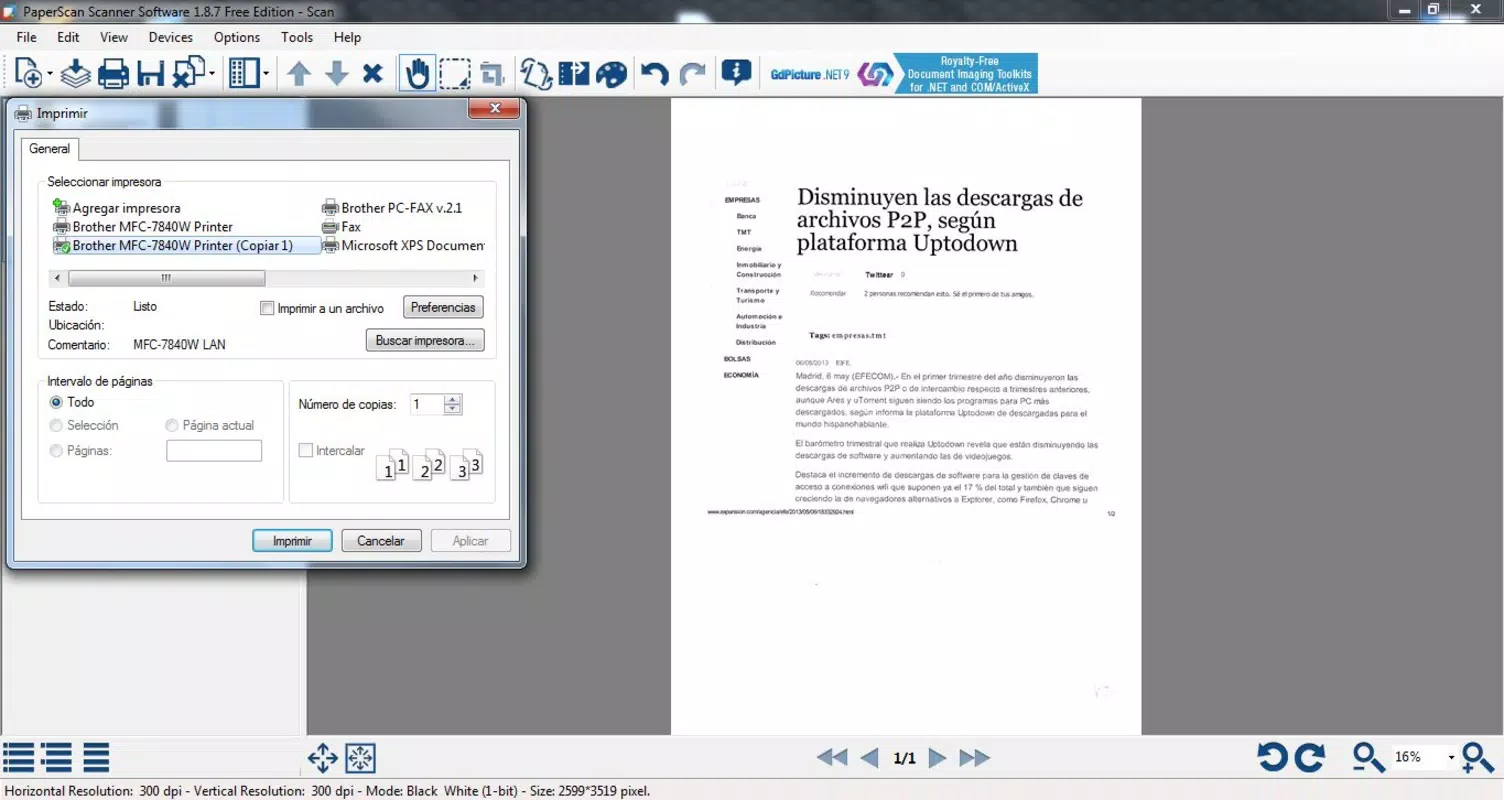
- Universal Scanner Management: PaperScan allows users to connect and control multiple scanners through a single interface, including networked devices using TWAIN and WIA drivers. This feature reduces setup complexity and enhances workflow efficiency.
- PDF and Image Importing: The app supports direct import of PDFs and image files, enabling users to edit and enhance existing digital documents without re-scanning.
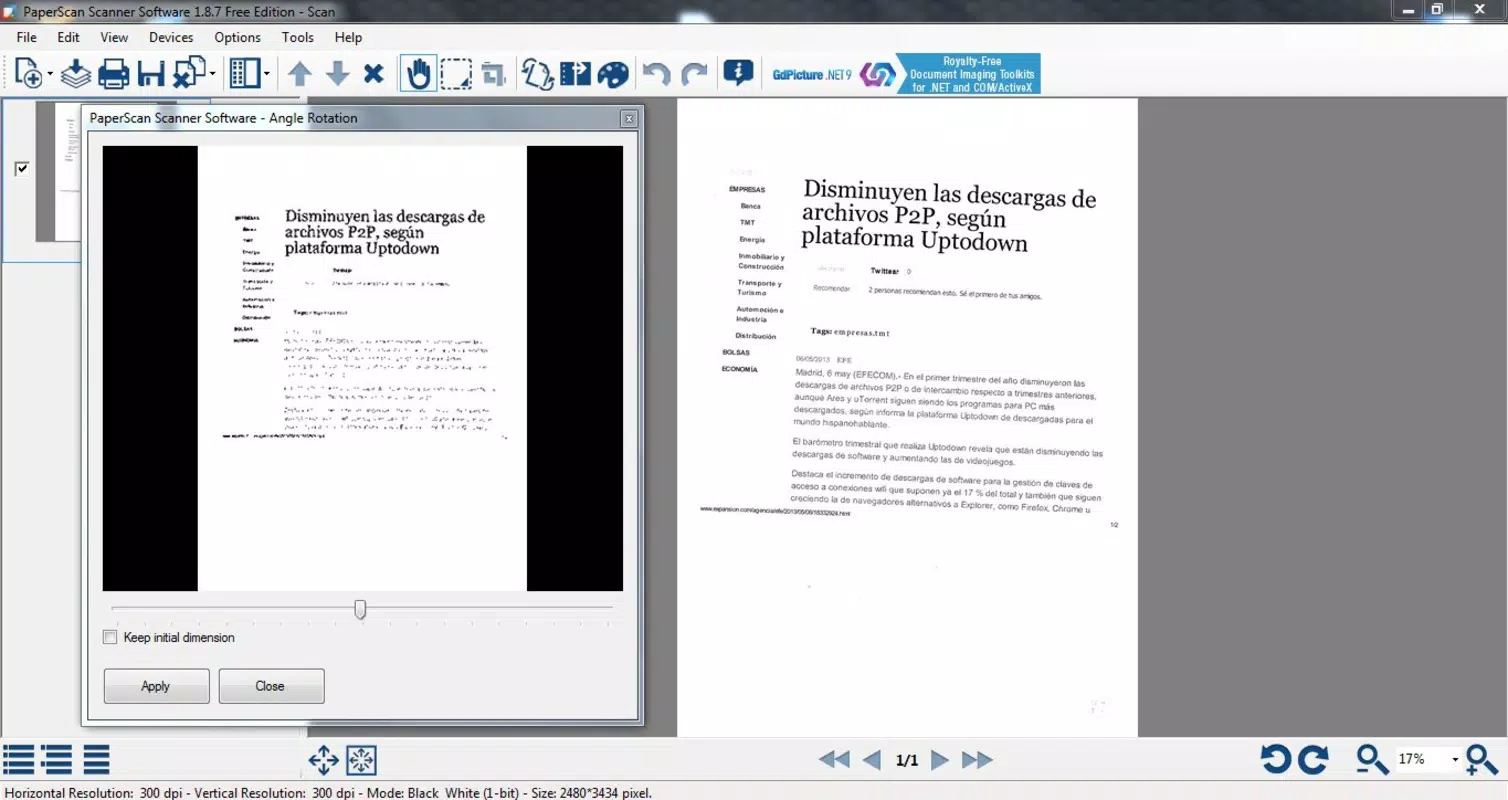
- Auto Straightening and Cropping: Users can quickly correct tilted scans by rotating and aligning images, ensuring professional-looking results with minimal manual effort.
- Efficient Page Management: The app detects and removes blank pages, as well as marks from hole-punched documents, improving the clarity and presentation of final outputs.
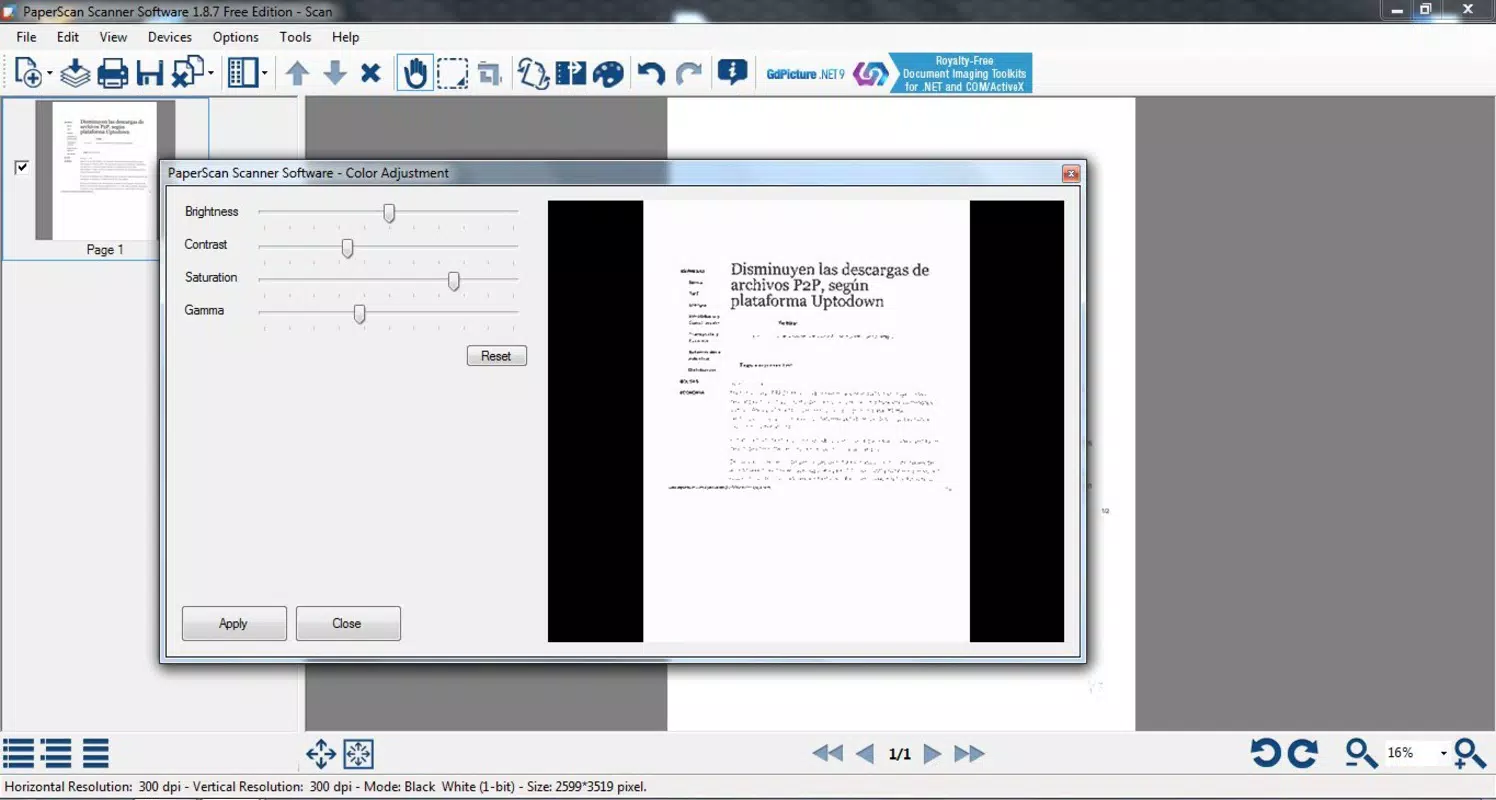
- Visual Enhancement Tools: Built-in filters, color adjustments, and image effects allow users to improve contrast, brightness, and overall visual quality of scanned content.
For example, a student can scan a textbook page using their smartphone camera, straighten the image if it’s slightly crooked, remove blank margins, and adjust brightness for better readability—all within a few taps. Similarly, a small business owner can digitize invoices and contracts, clean up imperfections, and export them as optimized PDFs for digital filing.
Interface, UX & Performance
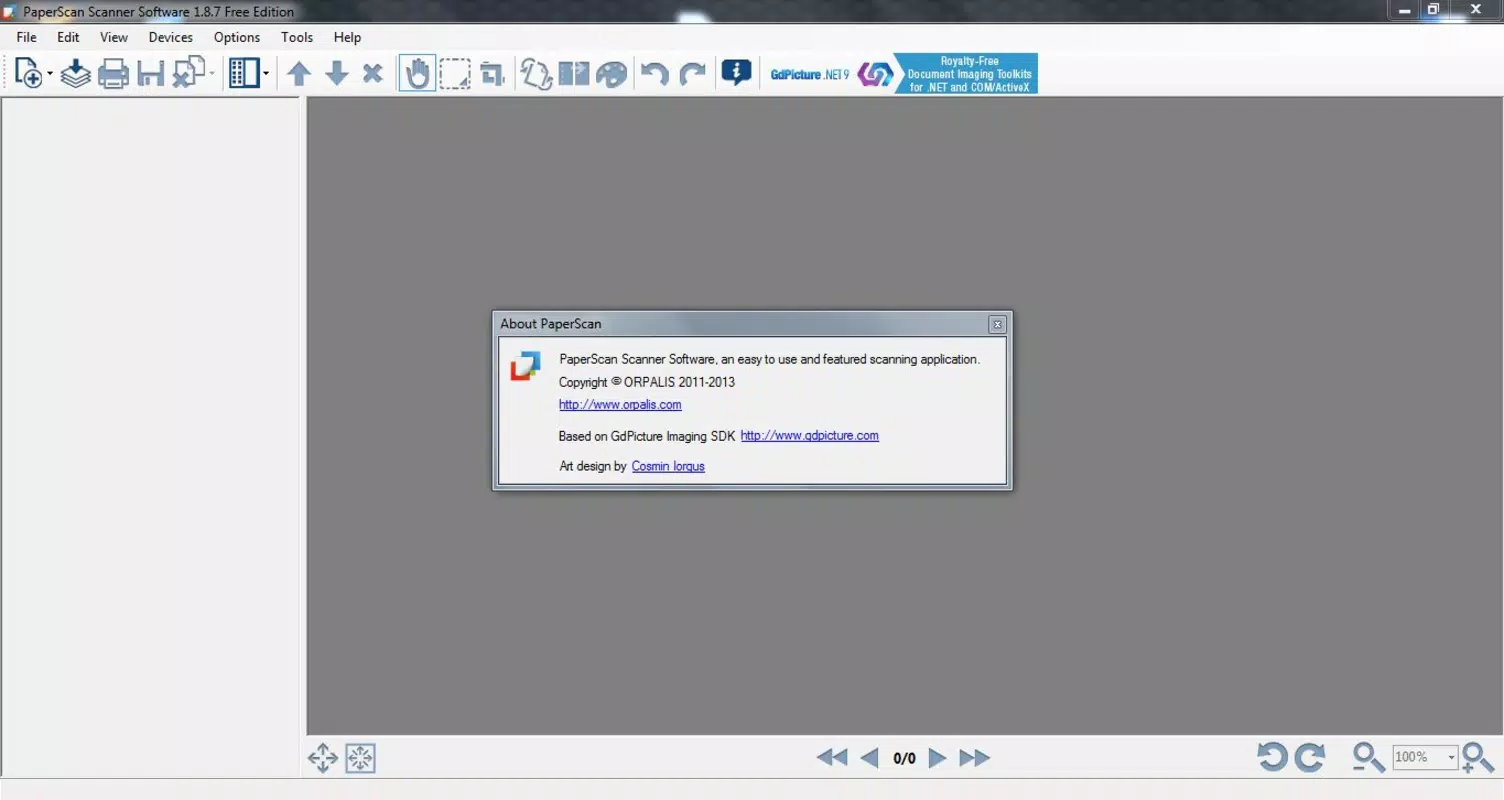
PaperScan features a clean, intuitive interface designed for efficient navigation. The layout prioritizes core functions such as scanning, importing, and editing, placing them within easy reach of the user. Visual hierarchy is well-structured, with clearly labeled buttons and accessible menus that minimize the learning curve. The app’s navigation flow follows a logical sequence: initiate scan → adjust settings → preview → edit → export.
Although the developer did not list formal performance metrics, the app’s lightweight size of 25.5 MB suggests optimized resource usage. Users can expect smooth operation across a range of Android devices, including mid-tier smartphones and tablets. Responsiveness is consistent during scanning and editing tasks, with minimal lag when applying filters or cropping images. Stability appears reliable based on the app’s release history and consistent updates.
Platform Compatibility & Technical Requirements
PaperScan is available exclusively on the Android platform. The current version is 2.2.0, with a file size of 25.5 MB. The developer did not specify minimum OS requirements or device compatibility details. However, given the app’s size and functionality, it is likely optimized for Android 6.0 (Marshmallow) and above. Users should ensure their device supports camera access and file management permissions to fully utilize the app’s scanning and editing capabilities.
Pros and Cons
Pros
- Free to download and use, offering strong value for a productivity tool.
- Lightweight design (25.5 MB) ensures fast installation and minimal storage impact.
- Direct control over scanners and camera input simplifies the digitization process.
- Comprehensive editing tools enhance document quality and usability.
- Efficient page management removes blank and damaged pages automatically.
Cons
- Compatibility information was not fully disclosed.
- Specific technical requirements were not listed.
- No mention of cloud integration or sharing features.
- Developer background and support details were not provided.
- App size may limit advanced features compared to desktop versions.
FAQ
Is PaperScan safe to download and install?
Yes, PaperScan is available through official Android channels and does not require root access. As a free app, it adheres to standard security protocols for mobile applications.
Can I use PaperScan with my external scanner?
Yes, the app supports multiple scanners via TWAIN and WIA drivers, including network-connected devices. Users should ensure their scanner is compatible with these protocols.
Does PaperScan work with smartphones and tablets?
Yes, the app is designed for Android smartphones and tablets, leveraging built-in cameras for scanning documents directly from mobile devices.
Is there a version for iOS?
Currently, PaperScan is only available on the Android platform. No iOS version has been released or announced.
How often is PaperScan updated?
The app was last updated on 2022-07-27. While regular updates are not confirmed, the developer has maintained a consistent release history since its initial launch.
Final Thoughts
PaperScan stands out as a reliable, no-cost solution for users seeking to digitize and enhance documents with precision. Its blend of scanning control, editing tools, and page management makes it a valuable utility for anyone handling paper-based workflows. The app’s lightweight design and free pricing model enhance its accessibility, particularly for students and professionals on a budget.
While the lack of detailed technical information and limited platform availability may deter some users, the core functionality remains robust and well-executed. For those who prioritize document quality, ease of use, and efficient workflow, PaperScan delivers real-world benefits without unnecessary complexity.
Download PaperScan now


